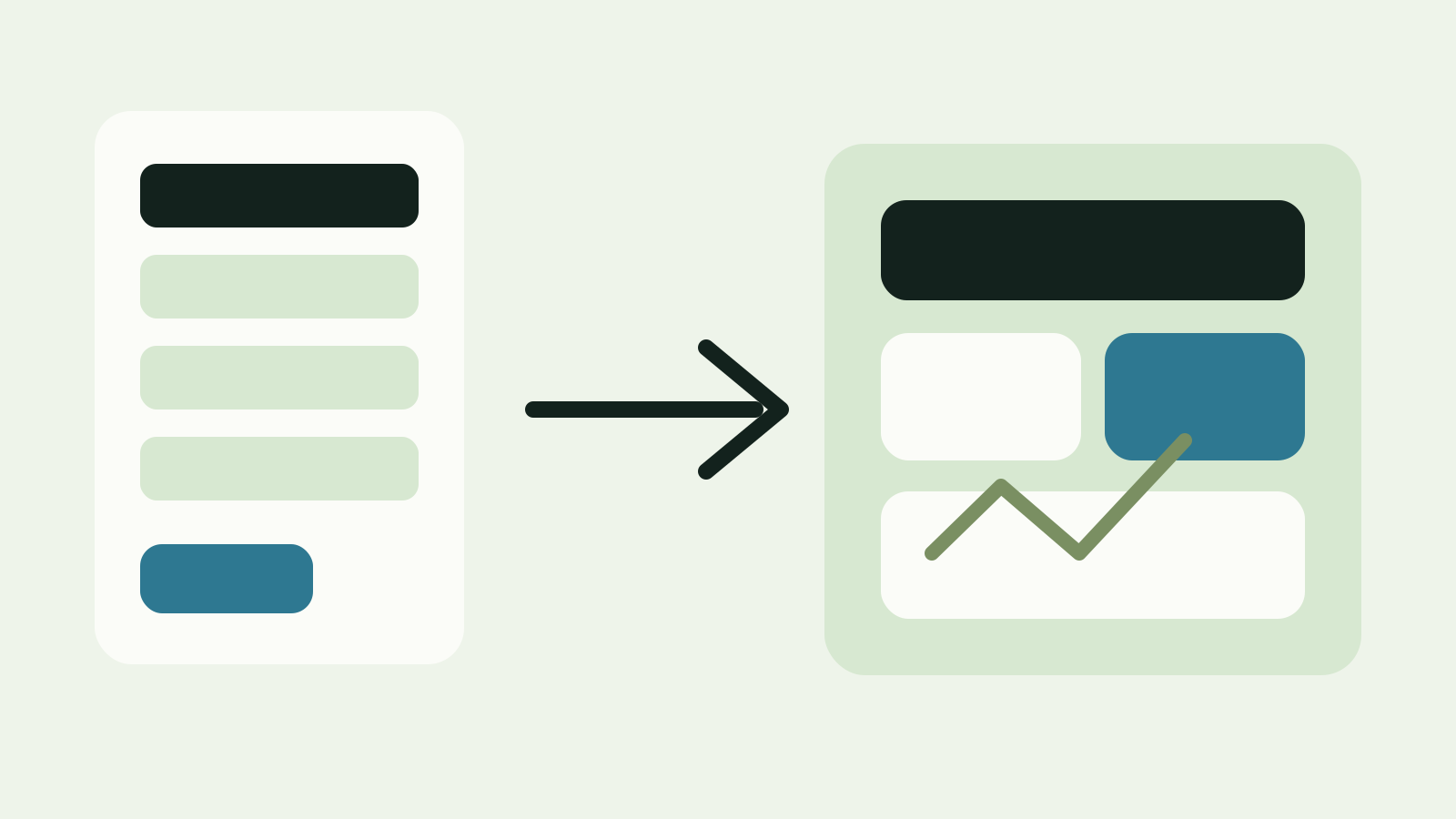
Project intake illustration showing scope, files, and next-step review.

Quote intake

Request a Quote

Tell us about your project and we will recommend a clear scope and price. Optional drawing upload can be coordinated after intake.

Share a few details and we will reply with:

  • a recommended scope that matches the project stage
  • pricing and timeline
  • what we need from you, such as drawings, specs, photos, or equipment details

What to have handy

  • drawings or specs, if you have them
  • equipment schedules or product information, if available
  • photos of the space or assembly details
  • utility bills for some modelling scopes

Alberta only at this time.

Optional drawing upload

If drawings are not ready yet, send the request first. When they are ready, use the private upload control if the acknowledgement provides one or keep them ready for a coordinated follow-up.

Drawing handoff request

Save the intake before sharing drawings.

Select Upload now below. After the request is saved, use the private upload control if it is shown. If this intake path does not yet support files, keep them ready and Kates Energy will coordinate the handoff during follow-up. Files never belong in a public URL.

Before you start

The first step is intentionally light.

The form saves the project context first. The acknowledgement then provides a private upload control when available or tells you to keep files ready for a coordinated follow-up.

Skip to form

What to send

Building type, stage, city, services, goal, and timing.
What can wait

Drawings, photos, schedules, utility bills, and product details.

Already have a report or quotes?

Use Home Upgrade Review instead when the main job is decision support, not a fresh evaluation.

Project intake

Share the basics now. Drawings, photos, schedules, and product details can come after the request is saved.

Already have an EnerGuide or ERS report, contractor quotes, or need help comparing options? Start with Home Upgrade Review unless you are explicitly asking for a new service or evaluation.

1

Contact

2

Project

3

Services

Services requested

Choose every scope that might apply. The response can narrow it down.

4

Goals and timing

5

Existing reports and quotes

EnerGuide / ERS status

This keeps decision-support requests separate from fresh evaluation requests.

Contractor quotes

If you already have quotes, we can route the follow-up without assuming more baseline work is needed.

6

Optional upload

Drawing or file plan

Keep the first step light. If drawings, photos, or reports are not ready yet, submit the request now. When they are available, use the private upload control if the acknowledgement provides one or keep them ready for a coordinated follow-up.

Helpful files can include drawings, plans, specs, photos, existing reports, contractor quotes, invoices, receipts, utility bills, or product details.

No payment, account, or file upload is required to submit.

Next step

Optional drawings are welcome.

Send the request first if you do not have files ready. The intake can be refined after the scope is confirmed.

Start with the right route

Start a conversation, request a quote, or prepare to share drawings.

Mark drawings as ready in the intake. After it is saved, use the private upload control if offered; otherwise follow-up will coordinate the handoff.